
Managing your account
The billing console is where you login to manage your GForce subscription. Please note that this is different from the admin section of your GForce portal.
In order to login to the billing console, visit https://gforce.app/login and use your login credentials. You will be logged into your portal admin dashboard. Click on the 'Billing Console' button
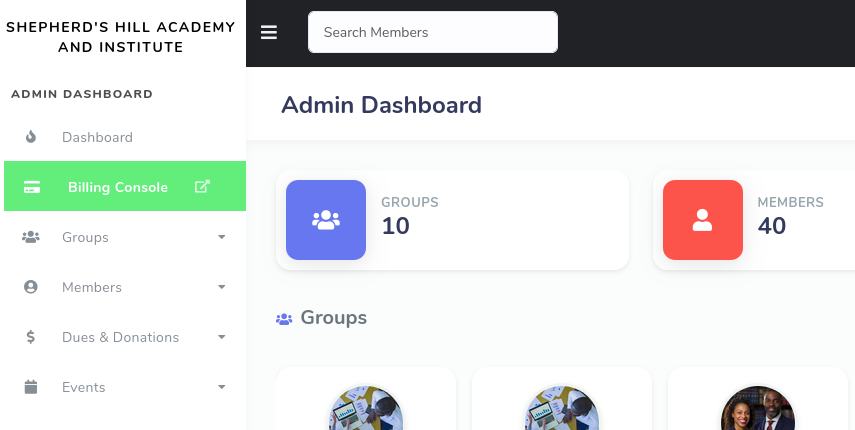
This will open th billing dashboard is as below:
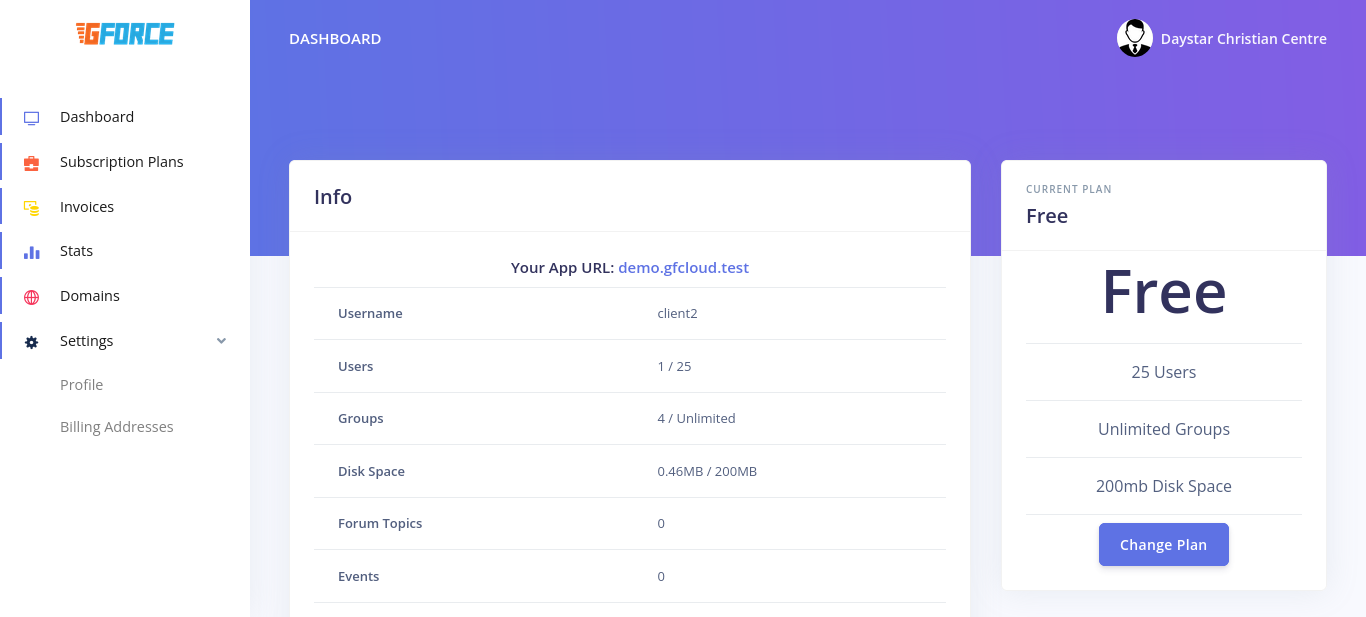
On the dashboard, you will see your App URL. This is the link to your portal. Your username is also visible. This is to be used on the mobile apps by both you and your volunteers.
Your current plan is displayed. Click on 'Change Plan' to select a new plan.